Table of Contents
- Why 16×24 is the Photographer’s Secret Weapon
- From Template to True Heirloom: A Workflow Guide
- Frequently Asked Questions (FAQ)
The wedding day flashes by in a glorious, joyous blur. But what remains—what becomes the tangible, heirloom legacy of that love story—is the wedding album.
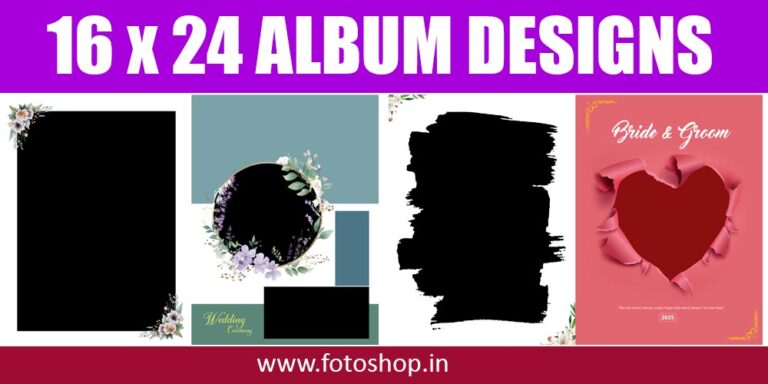
For photographers and couples alike, the album is the final masterpiece, and its creation shouldn’t feel like a chore. It should feel like an act of devotion. If you’re currently designing your next album and find yourself battling tiny, cramped pages or struggling to let your most dramatic images breathe, it’s time to step up to the grand scale of the 16×24 inch Photoshop Document (PSD) template.
Forget the standard 10×10. We’re talking about laying out a visual symphony, and 16×24 is your orchestra pit.
Why 16×24 is the Photographer’s Secret Weapon
The 16×24-inch spread is not just bigger; it’s transformative. Think of it as opening a gate to an entirely new dimension of visual storytelling.
1. The Cinematic Grandeur
A 16×24 spread—which typically folds down to 12×16 or 8×12 pages—offers a true panoramic experience. This size is perfect for:
- The Hero Shot: That stunning, sweeping landscape portrait of the couple standing on a mountain or silhouetted against a sunset? A single, full-bleed 16×24 spread elevates it from a picture to an immersive piece of art. It demands attention and stops the reader cold.
- The Dance Floor Chaos: You can group 10-12 dynamic, candid shots of the reception, varying their size and using a clean, gridded template to capture the energy without the page feeling cluttered. The size provides the necessary visual breathing room between images.
2.The Power of Space (and Negative Space)
In design, negative space is as important as the subject itself. Smaller templates force you to fill every corner. The 16×24 format gives you the luxury to design with intention.
You can dedicate one-third of a spread to a single, delicate shot of a hand-holding moment and leave the rest beautifully, eloquently white (or black). This use of space creates rhythm and drama, guiding the eye and giving key moments the reverence they deserve.
3.The PSD Advantage: Total Creative Freedom
Working with high-quality PSD templates means you aren’t stuck with rigid JPEGs. These files are built in layers, giving you:
- Customizable Layers: Easily change background colors, swap textures, adjust border widths, and modify pre-set text boxes (for dates, quotes, or chapter titles) without affecting the photo placement layers.
- High-Resolution Integrity: Since 16×24 templates are built at a high DPI (usually 300), your final product will be crisp, clear, and print-ready—crucial for those large, high-impact spreads.
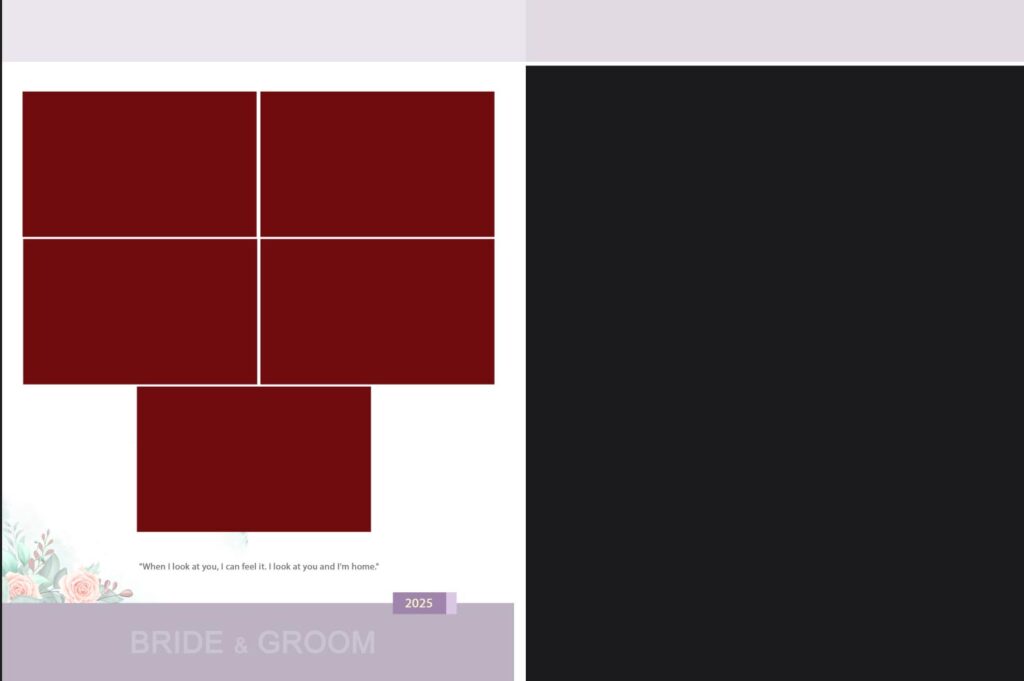
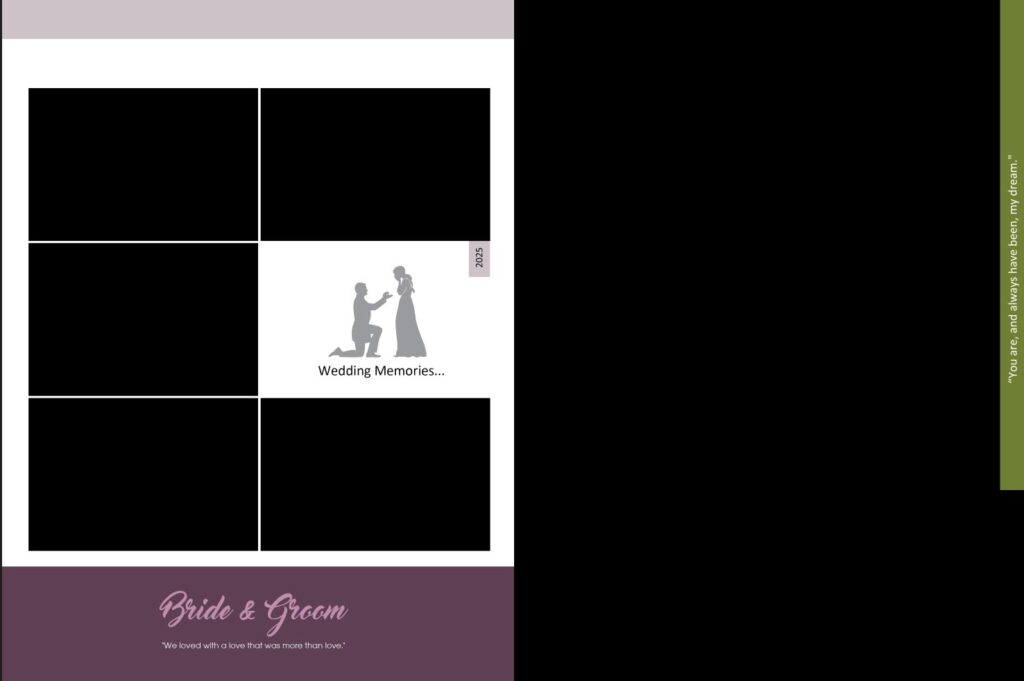
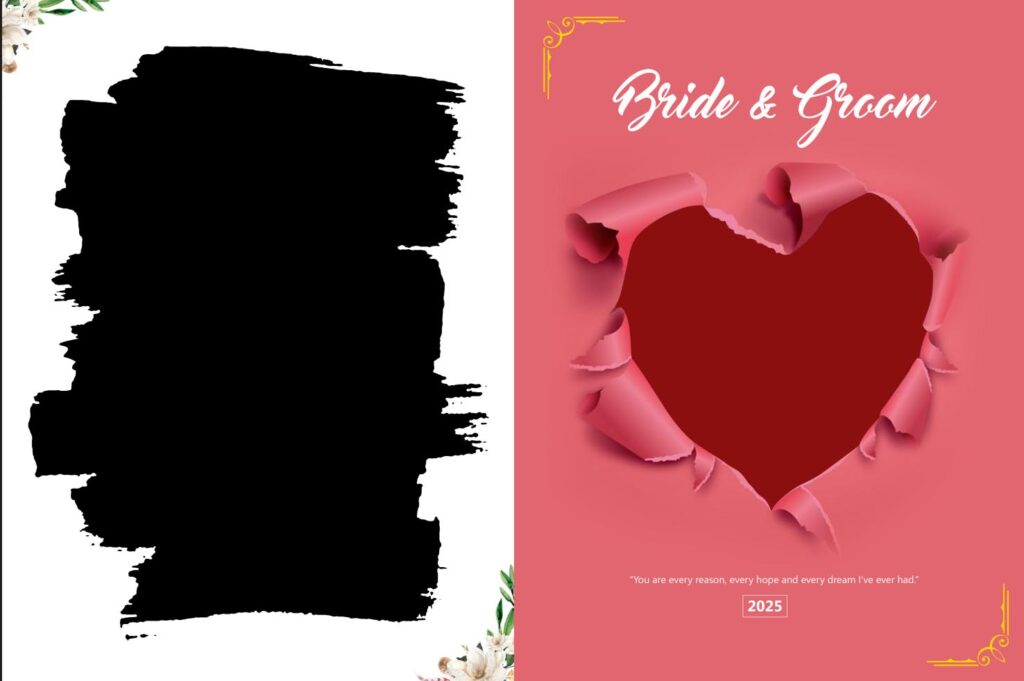
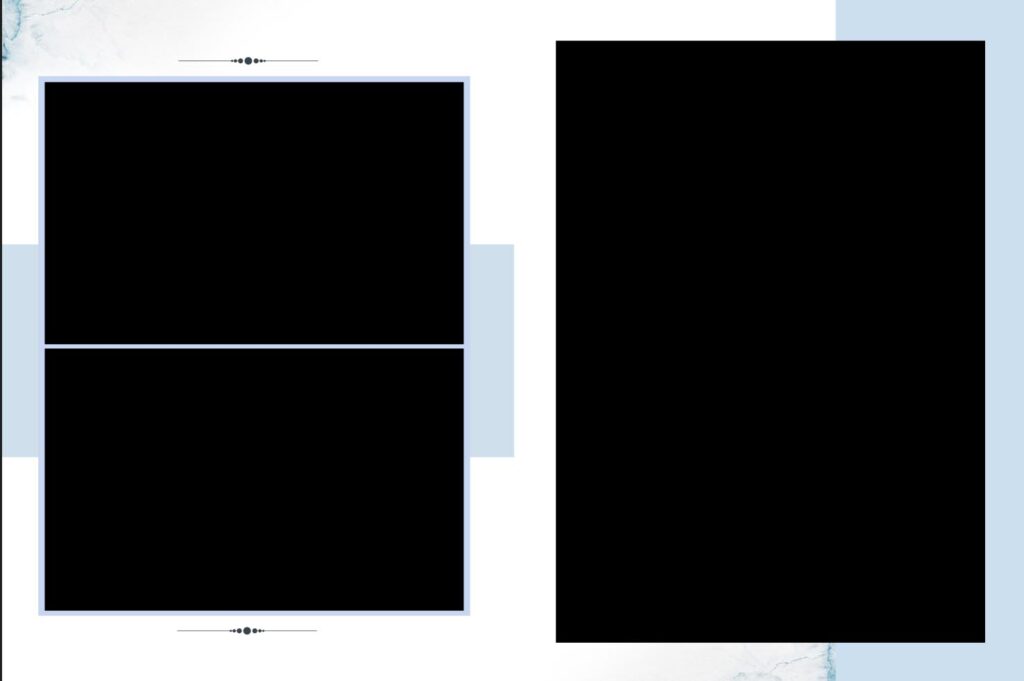
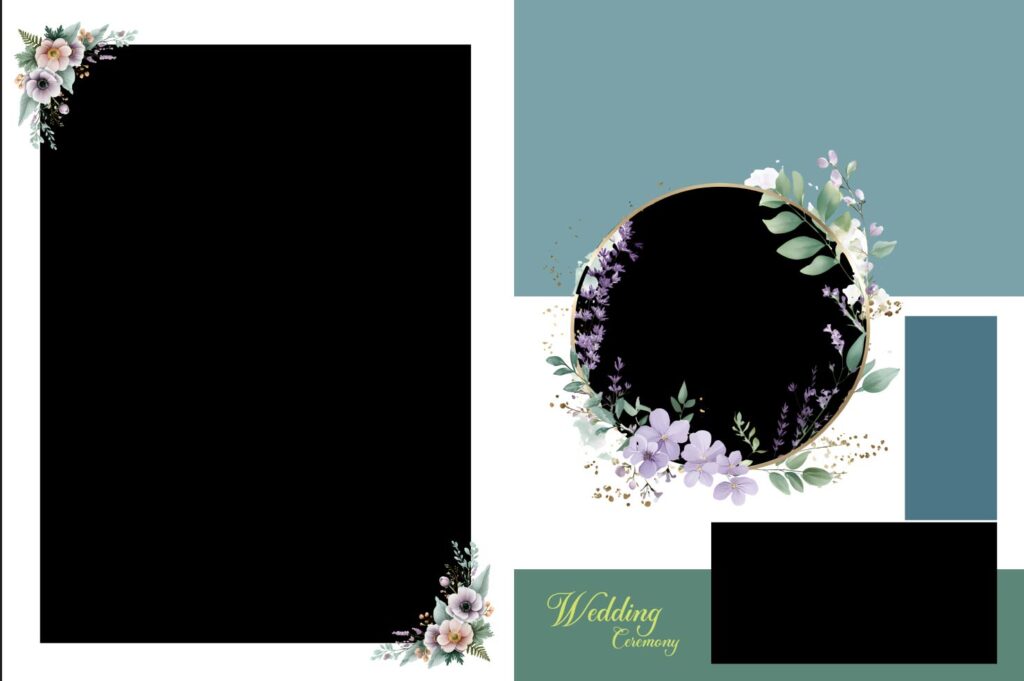
Screenshots of Classic 2026 Wedding Album Templates 16×24 PSD Designs -07
From Template to True Heirloom: A Workflow Guide
How do you transition from an empty template to an unforgettable album?
1.Select Your Narrative Arc: Organize your photos into chronological chapters (Getting Ready, Ceremony, Portraits, Reception). Group them in sets of 15-20 shots that embody the vibe of that chapter.
2.Match Template to Mood: Choose a template set that matches your photographic style. Are you minimalist and modern (clean lines, wide borders)? Or lush and classic (overlapping images, detailed backgrounds)? The 16×24 format accommodates both with elegance.
3.Prioritize the Double-Page Spread: Every album needs 3-5 jaw-dropping, double-page spreads. Use the 16×24 templates for these moments. This is where you place the kiss, the first dance, or the magnificent venue shot.
4.Drag, Drop, and Tweak: Use the built-in clipping masks in the PSD file. Simply drag your photo into the specified layer, and it instantly conforms to the shape.
The marriage of a powerful photographic moment and a grand canvas is what sets an ordinary photo book apart from a timeless family heirloom. Investing in high-quality 16×24 PSD templates is investing in the story’s impact.
Stop just designing albums. Start curating magnificent, oversized galleries of love.
Frequently Asked Questions (FAQ)
1. What does “16×24 PSD Template” actually mean?
It refers to a Photoshop Document (PSD) file designed for a double-page album spread that measures 16 inches high by 24 inches wide.
16×24 (Spread Size): This is the total size of the sheet when fully opened, which is then folded down the middle to create two individual pages (usually 12×16 or 8×12 depending on the print orientation and lab style).
PSD (File Type): The file is layered, allowing you to easily drag-and-drop your photos, change colors, adjust text, and modify design elements without flattening the entire image.
2. Is 16×24 a page size or a spread size?
It is the spread size. This is the crucial distinction. A spread is the single sheet of paper seen when the album is open flat. If your lab prints 16×24 spreads, they will bind it so the final page size is either 16×12 (if bound on the 16-inch side) or 8×24 (less common).
3. What resolution (DPI) should the PSD be set to?
For high-quality printing, the template should be created at a minimum of 300 DPI (dots per inch). Since 16×24 is a large print size, a lower resolution would result in a blurry or pixelated final album. Always confirm the exact DPI requirement with your chosen printing lab.
4. Why choose 16×24 over smaller sizes like 10×10 or 12×12?
The 16×24 format is ideal for dramatic, panoramic storytelling and design flexibility.
Grandeur: It allows one “hero” shot (like a full-spread portrait) to truly shine.
Capacity: It lets you fit more photos onto a single spread without making the design look cramped or cluttered.
Impact: The sheer size creates a magnificent, luxury heirloom feel that smaller albums can’t match.
Whether you are a professional wedding photographer or a hobbyist capturing family milestones, 16×24 album design PSD templates are the industry standard for high-end, panoramic photo books.
Here are the most frequently asked questions to help you streamline your workflow.
5. What does “16×24” actually mean in album design?
A 16×24 template refers to the open spread size. When the album is lying flat, the total width is 24 inches and the height is 16 inches. This usually creates a 12×16 inch closed book.
6. Are these templates compatible with all versions of Photoshop?
Generally, yes. Since these are .PSD files, they work with Adobe Photoshop CS6 through the latest Photoshop CC versions. However, always check if the template uses “Smart Objects,” which are best handled in more recent CC versions.
7. Why use PSD templates instead of automated software?
While automated software is fast, PSD templates offer:
-
Total Control: Manually adjust every shadow, border, and texture.
-
High Resolution: Most templates are built at 300 DPI, ensuring crisp printing without pixelation.
-
Layered Flexibility: You can move or hide specific elements (like floral overlays or text) that are often “locked” in basic software.
8. How do I insert my photos into the template?
Most professional templates use clipping masks.
-
Place your photo layer directly above the “Frame” or “Shape” layer.
-
Right-click your photo layer.
-
Select Create Clipping Mask. Your photo will now automatically “snap” into the shape of the frame.