Table of Contents
- 1. The “Old Money” Aesthetic: Warm Neutrals
- 2. Hand-Painted & Artistic Textures
- 3. Cinematic & Documentary Layouts
- 4. Heritage Red: Reimagined
- Key Features of a Pro 2026 PSD Template
- From Snapshots to Stories: Top Tips for New Wedding Album Designers
- 1. Let the Photos Breathe
- 2. Follow a Chronological Flow
- 3. Maintain Color Consistency
- 4. Align with Precision
- 5. Design for the “Gutter”
- Frequently Asked Questions
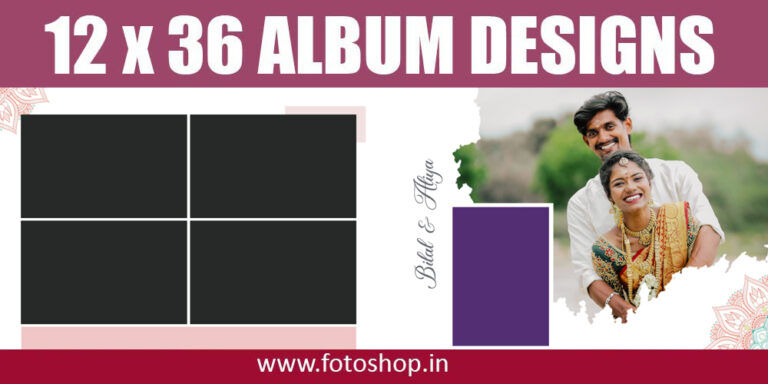
The world of wedding photography is shifting. As we move through 2026, the era of overly saturated, “cookie-cutter” album designs is officially behind us. Today’s couples are looking for “Quiet Luxury”—a blend of modern minimalism and timeless elegance. For photographers and graphic designers, staying ahead means moving beyond basic layouts and embracing the latest 12×36 wedding PSD background templates that define this year’s aesthetic.
Whether you are designing a cinematic Indian wedding album or a sleek Western-style photo book, here are the top trends and templates dominating the 2026 wedding season.
1. The “Old Money” Aesthetic: Warm Neutrals
The most prominent trend for 2026 is the warm neutral palette. Forget the stark, clinical whites of the past. This year’s best PSD templates feature:
- Sun-baked Tones: Backgrounds in sandstone, taupe, and deep oat.
- Textural Depth: Subtle linen or handmade paper textures that prevent the design from looking “flat.”
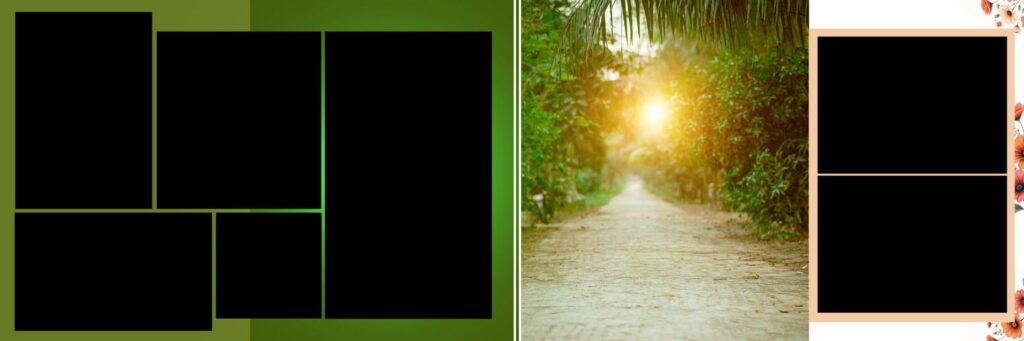
- Sophisticated Minimalism: Large 12×36 spreads that prioritize one or two hero shots, surrounded by generous “breathable” white space (or beige space!).
2. Hand-Painted & Artistic Textures
The “Anti-Perfection” movement is huge in 2026. High-end templates are now incorporating hand-painted canvas backgrounds directly into the PSD layers.
- Brushstroke Elements: Look for templates that include organic paint strokes and watercolor washes.
- Depth and Dimension: These backgrounds interact beautifully with lighting, giving your digital album the feel of a physical art gallery.
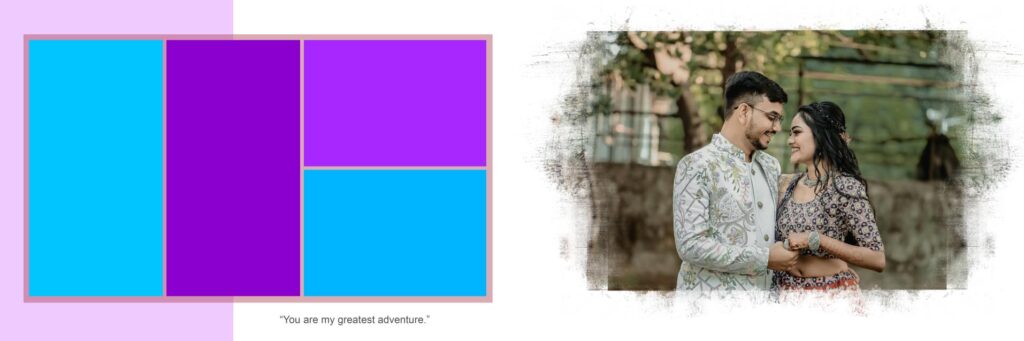
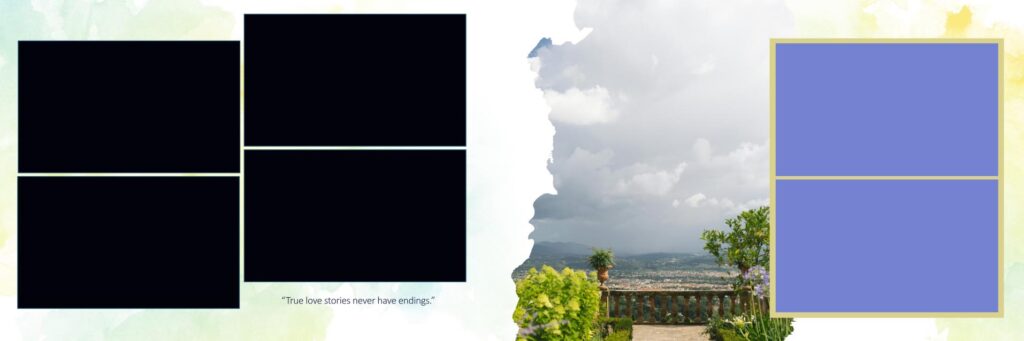
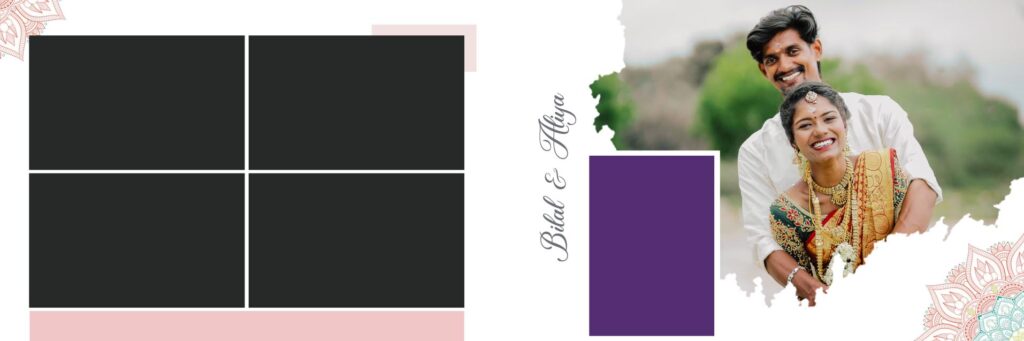
3. Cinematic & Documentary Layouts
With the rise of documentary-style wedding photography, album layouts are becoming more narrative.
- Film Strip Aesthetics: Many 12×36 templates now include subtle “film grain” overlays and black-and-white specialized layers.
- Mixed Media: A popular 2026 layout involves pairing a high-resolution “True to Color” portrait with a grainy, candid “Super 8” style frame on the same spread.
4. Heritage Red: Reimagined
For South Asian and heritage weddings, red is back—but with a twist. Instead of bright, overwhelming neon reds, 2026 templates use monochrome statement layers.
- Deep Velvet Reds: Think maroon and burgundy backgrounds that act as a “power accent” rather than a dominant color.
- Gold Foiling and Debossing: Premium PSDs now include “Smart Object” layers for gold leaf and metallic foiling effects, ideal for luxury wedding covers.
Key Features of a Pro 2026 PSD Template
When downloading or purchasing your 12×36 packs this year, ensure they include these technical essentials:
| Feature | Why It Matters in 2026 |
| Fully Layered PSD | Total control over background elements, text, and overlays. |
| Smart Objects | Allows you to “drag and drop” photos while maintaining original resolution. |
| 300 DPI Resolution | Ensures crisp, professional printing for large-format albums. |
| Typography Sets | 2026 is all about serif fonts and elegant, thin-line calligraphy. |
From Snapshots to Stories: Top Tips for New Wedding Album Designers
Entering the world of wedding album design is exciting, but it can also be overwhelming. You aren’t just placing photos on a page; you are curating a couple’s first family heirloom. To help you move from “beginner” to “pro” in the 2026 market, here are the essential rules for modern album design.
1. Let the Photos Breathe
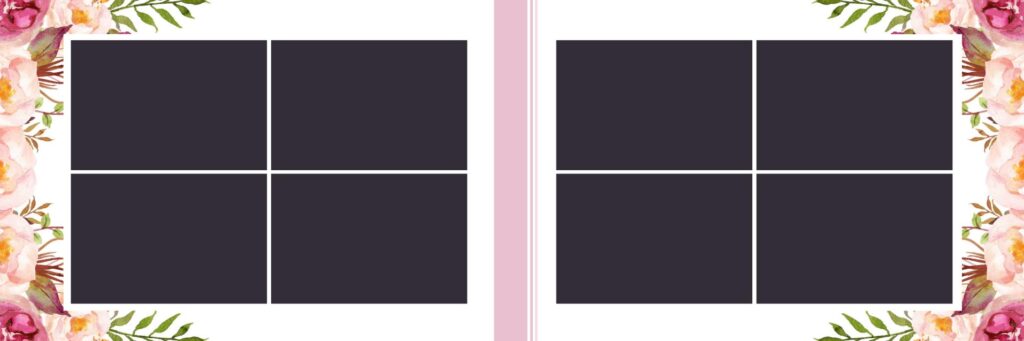
The biggest mistake new designers make is crowding the page. White space (or negative space) is your best friend. Instead of squeezing ten small photos onto a 12×36 spread, try featuring one “hero” shot on one side and a small, clean gallery of three supporting shots on the other. This creates a sense of luxury and focus.
2. Follow a Chronological Flow
An album should read like a movie. Start with the quiet, intimate moments of “getting ready,” move through the high energy of the ceremony, and end with the celebration. Sudden jumps in time or location can confuse the viewer and break the emotional rhythm of the story.
3. Maintain Color Consistency
When designing a single spread, ensure the colors of the photos complement each other.
- The Rule of Harmony: Don’t mix a vibrant, warm sunset photo with a cool, moody indoor shot on the same page.
- B&W Strategy: Use black-and-white photos strategically to mask distracting backgrounds or to highlight intense emotions.
4. Align with Precision
Professionalism is found in the details. Ensure your images are perfectly aligned. Most modern PSD templates from sites like Fotoshop.in include grid lines—use them! Even a slight misalignment can make an expensive album look amateurish.
5. Design for the “Gutter”
Remember that the center of your 12×36 spread is where the book folds (the gutter). Never place a person’s face or an important detail directly in the center, or it will get lost in the binding.

Frequently Asked Questions
1. What is the standard size for a professional wedding album? While sizes vary, the 12×36 inch spread is the industry standard for panoramic wedding albums. Other popular sizes include 16×24 for large-format luxury books and 8×24 for smaller parent albums.
2. How many photos should I include in a 40-page album? For a clean, high-end look, aim for 80 to 120 photos. This allows for an average of 2–3 photos per page, ensuring the design doesn’t feel cluttered and the “hero” shots get the attention they deserve.
3. What resolution should my PSD templates be? To ensure high-quality printing without pixelation, always design at 300 DPI (Dots Per Inch). Designing at a lower resolution may look fine on a screen but will appear blurry once printed on photographic paper.