
Table of Contents
- Why the 12×36 Format is the Industry Standard
- Top Design Trends for 2026
- How to Use 12×36 PSD Templates Effectively
- Professional 12×36 Wedding Albums Templates
- Why the 12×36 Format Matters
- Breaking the Barrier to Entry
- What Makes These Templates So Useful?
- A Tips for Using Free Templates
- Frequently Asked Questions (FAQ)
Your wedding day is filled with emotions, laughter, and amazing memories. Once the cake has been eaten and the dress tucked away, your wedding album becomes the primary portal back to those memories. For professional photographers and DIY couples alike, 12×36 Wedding Album PSD templates are the secret weapon for creating a cinematic, high-end storytelling experience.
Why the 12×36 Format is the Industry Standard
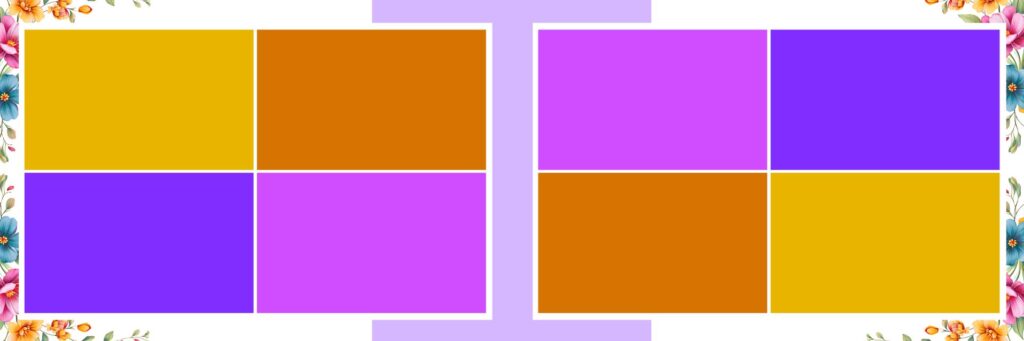
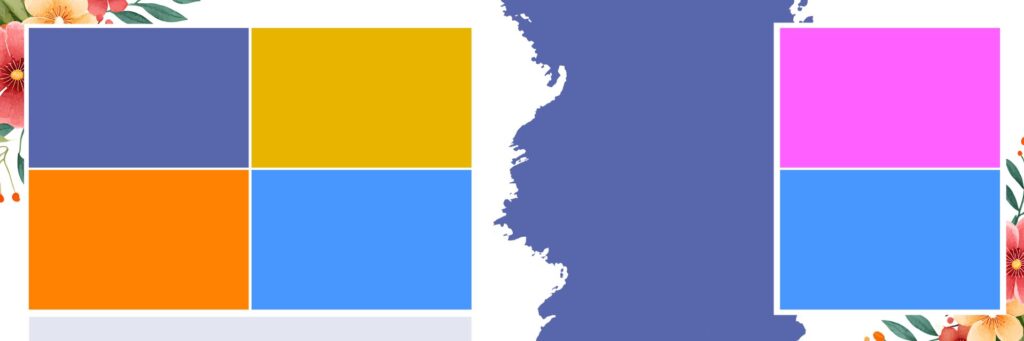
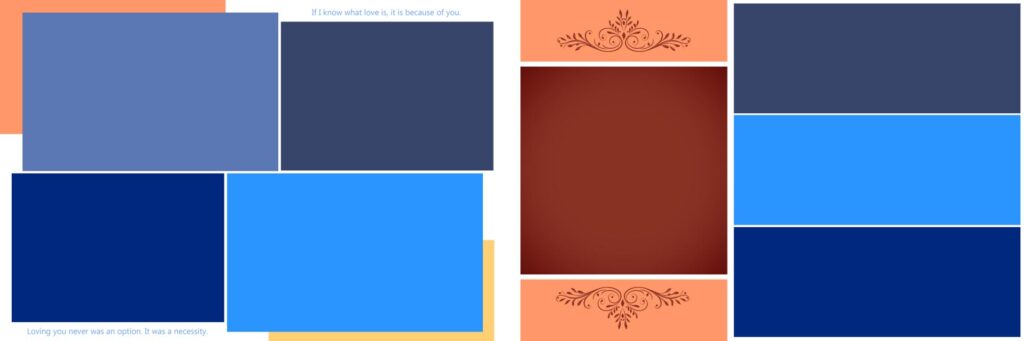
The 12×36 layout (which translates to two 12×18 side-by-side pages) is often referred to as a “crease-less” or “flush mount” spread. This panoramic canvas allows for breathtaking full-bleed images that span the entire width of the album without being interrupted by a bulky seam.
Using PSD (Photoshop) templates offers several distinct advantages:
- Complete Customization: Unlike basic online builders, PSD files give you total control over layers, colors, and typography.
- Resolution and Quality: Because templates are often configured to 300 DPI, your prints will be crisp and clean.
- Efficiency: You don’t need to start from scratch. A well-designed template provides a balanced grid, allowing you to simply “drag and drop” your photos.
Top Design Trends for 2026
Modern wedding albums have shifted away from cluttered, over-decorated pages. Today, it’s all about minimalism and narrative flow.
| Trend | Description |
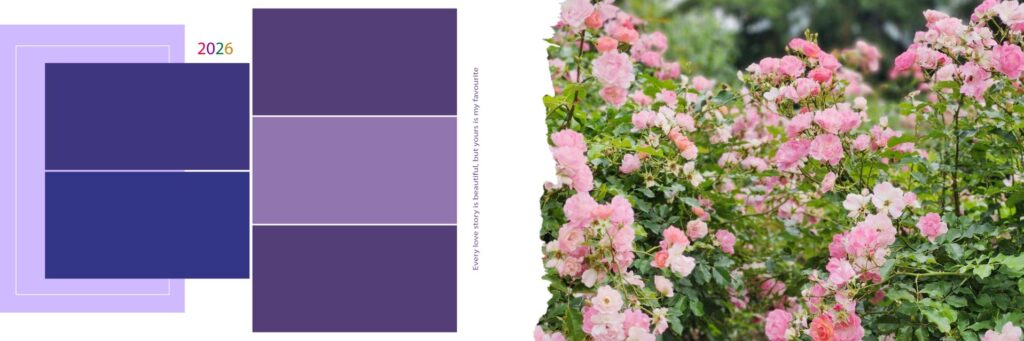
| White Space | Using “negative space” to let a single, powerful image breathe. |
| Monochromatic Palettes | Aligning the template colors with the wedding’s floral or decor theme. |
| Mixed Media | Incorporating subtle scanned elements like invitations or handwritten vows. |
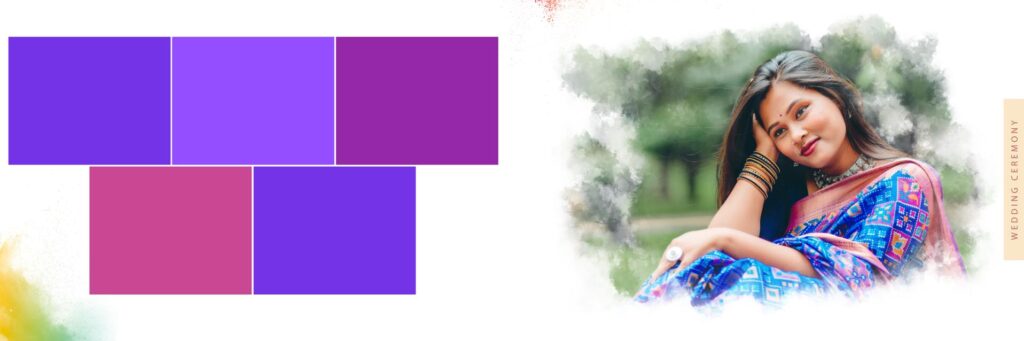
| Cinematic Grids | Arranging 3–5 vertical shots in a row to mimic a film strip. |
How to Use 12×36 PSD Templates Effectively
To get the most out of your templates, follow these professional tips:
- Storyboarding: Group your photos by “chapter”—The Getting Ready, The Ceremony, The Portraits, and The Party. Don’t mix night photos with bright morning shots on the same spread.
- The “Hero” Image: Every spread needs a focal point. Choose one “Hero” image to take up at least 60% of the 12×36 space, and use smaller supporting shots to fill the rest.
- Smart Objects: Ensure your template uses Smart Objects. This allows you to swap photos easily while maintaining the original proportions and quality of your high-res files.
- Mind the Safe Zone: Always keep important elements (like faces or text) at least 0.5 inches away from the edges to avoid them being trimmed during the binding process.
Professional 12×36 Wedding Albums Templates
If you are a budding graphic designer or a photographer just starting your journey in the wedding industry, you’ve likely felt the “blank canvas” panic. You open Photoshop, set your dimensions to a massive 12×36 spread, and then… you stare. Designing a wedding album from scratch isn’t just about placing photos; it’s about balance, storytelling, and high-end aesthetics.
For years, high-quality PSD (Photoshop Document) templates were a significant investment. Professional designers would spend hundreds of dollars on template packs, or hours of manual labor creating their own. But the landscape has changed.
The latest buzz in the design community is that new Photoshop designers no longer need to stress over these layouts. Why? Because premium-grade 12×36 Wedding Album PSD templates are now available for free at www.fotoshop.in.
Why the 12×36 Format Matters
In the world of wedding photography, the 12×36 spread is the gold standard. It’s a panoramic format that, when folded, creates a beautiful 12×18 square album. This “flush mount” style allows for breathtaking, seamless images that stretch across the entire page. It’s cinematic, it’s modern, and quite frankly, it’s what every bride and groom expects in 2024.
Breaking the Barrier to Entry
The biggest hurdle for new designers has always been the cost of tools. Between software subscriptions and high-end assets, the “startup costs” of being a freelancer can be daunting.
The availability of free resources on sites like fotoshop.in levels the playing field. By offering these templates for free, the site removes the financial barrier, allowing newcomers to deliver professional-grade work to their clients right from day one. You don’t need a massive budget to produce an album that looks like it came from a high-end boutique studio.
What Makes These Templates So Useful?
- Fully Editable Layers: These aren’t flat JPEGs. Because they are PSD files, you have total control. You can change background colors, move frames, and adjust typography to match the wedding’s specific theme.
- Smart Object Integration: Most modern templates use Smart Objects. This means you don’t have to manually resize every photo. You simply double-click the layer, drop your image in, and Photoshop does the heavy lifting for you.
- High Resolution: For a 12×36 print, you need 300 DPI (dots per inch) to ensure the print isn’t blurry. These templates are pre-configured for high-quality printing, saving you from technical headaches later.
A Tips for Using Free Templates
While having free templates is a massive advantage, remember that customization is key. To make your work stand out:
- Don’t overstuff: Just because a template has space for 10 photos doesn’t mean you should use them all. Sometimes one “hero” shot on a 12×36 spread is more powerful than a collage.
- Consistency: Try to use templates from the same “set” throughout one album to ensure the borders and fonts stay consistent.
Frequently Asked Questions (FAQ)
1. What exactly is a 12×36 PSD template? A 12×36 PSD template is a pre-designed Photoshop file used to create a “panoramic” wedding album spread. It represents two 12×18 inch pages side-by-side. Because it is a PSD file, it contains multiple layers, allowing you to edit backgrounds, frames, and text individually.
2. Are the templates on fotoshop.in really free? Yes! The website offers a variety of 12×36 layouts that are free to download. This is a huge benefit for new designers who want to produce professional work without the high cost of premium template packs.
3. Do I need an advanced version of Photoshop to use these? Most 12×36 PSD templates are compatible with Adobe Photoshop CS6 or any version of Photoshop CC. As long as your software supports layers and Smart Objects, you should have no trouble using them.