
Table of Contents
- Why Choose 12×36 PSD Templates?
- 1. Fully Editable Layers
- 2. Professional Typography and Layouts
- 3. Time-Saving Workflow
- Tips for Designing the Perfect Wedding Album
- What’s Inside Our Latest 12×36 Collection?
- Choosing the Right Theme for Your Wedding Album
- 1. Match the Wedding’s Personality
- 2. Consistency is Key
- 3. Let the Venue Guide You
- Frequently Asked Questions
Creating a professional and high-quality wedding album is an art form, and for professional photographers, efficiency is just as important as creativity. If you are looking to streamline your workflow while maintaining a premium look, 12×36 Wedding Album PSD Templates are the ultimate solution.
In this post, we’ll explore why the 12×36 format is the industry standard and how these templates can transform your design process.
Why Choose 12×36 PSD Templates?
The 12×36 inch format (which folds into a 12×18 inch spread) is the most popular size for premium wedding albums. It provides a wide, cinematic canvas that allows your photos to “breathe.”
1. Fully Editable Layers
Unlike flat JPEGs, these PSD files come with organized layers. This means you can:
- Swap backgrounds easily.
- Adjust colors to match the wedding theme.
- Modify frame sizes and positions.
2. Professional Typography and Layouts
Our templates include carefully selected fonts and balanced layouts. Whether it’s a traditional ceremony or a modern reception, the typography is designed to complement the emotion of the photos.
3. Time-Saving Workflow
Designing a 40-page album from scratch can take days. Using pre-made templates, you may “Drag & Drop” your photographs into smart objects. It now takes minutes instead of hours.
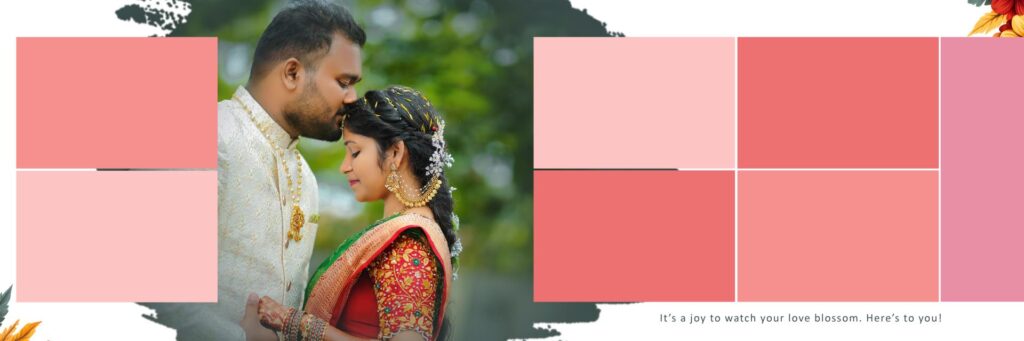
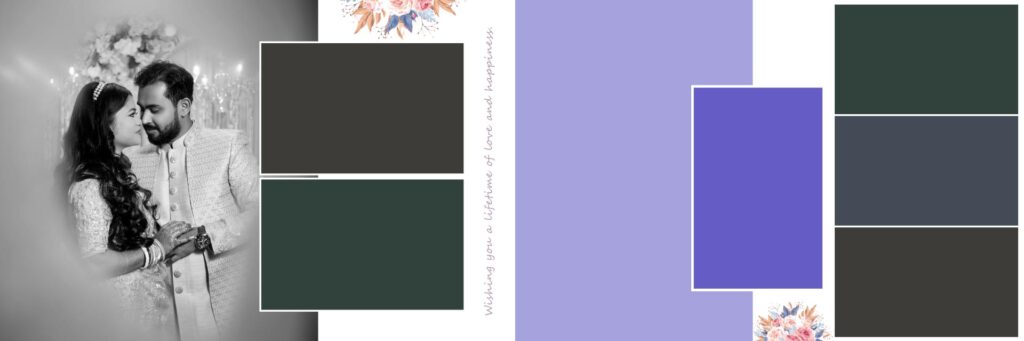
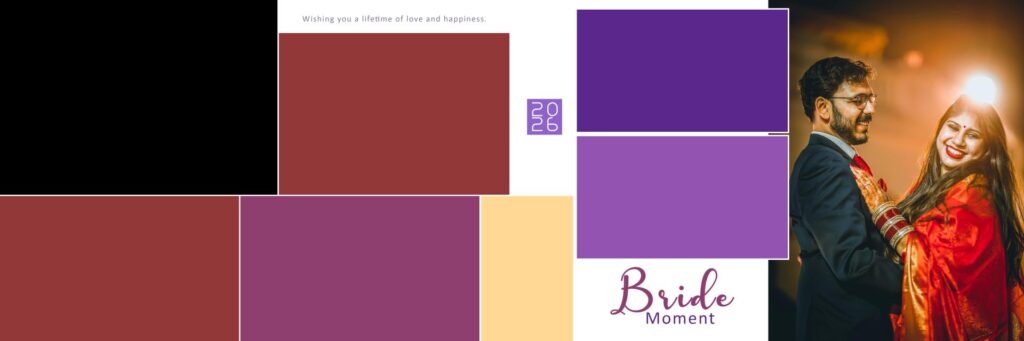
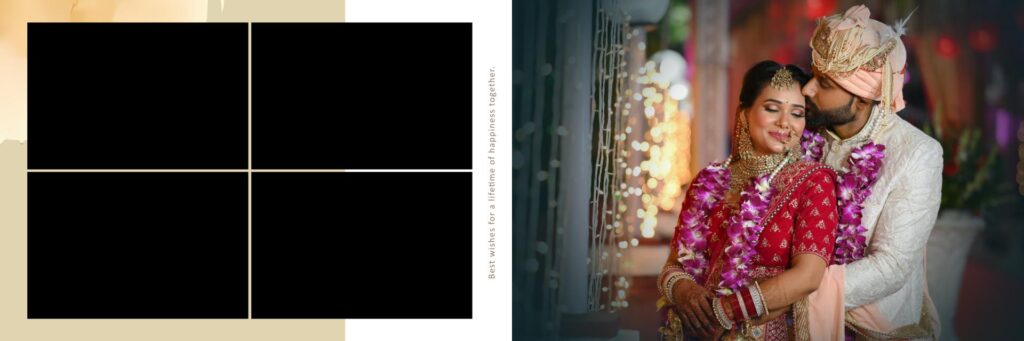
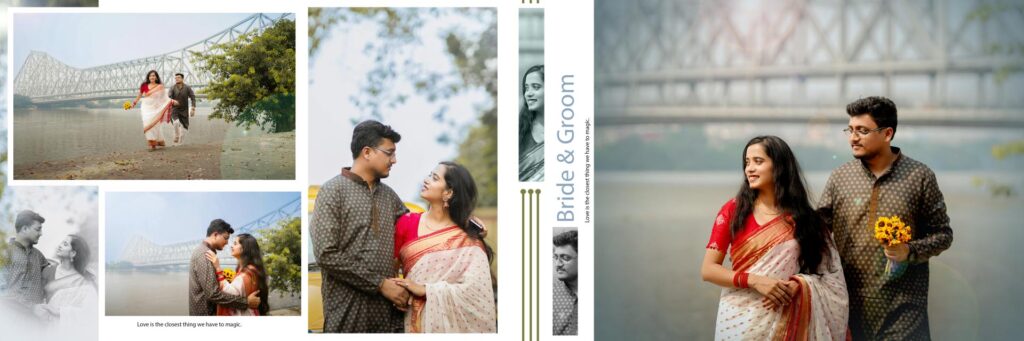
Screenshots of Royal 2026 Wedding Album Templates 12×36 PSD Designs -09
Tips for Designing the Perfect Wedding Album
To get the most out of your PSD templates, keep these tips in mind:
- Tell a Story: Arrange your templates in chronological order—starting from the “Getting Ready” shots to the “Grand Farewell.”
- Maintain Color Consistency: If the wedding had a “Pastel Pink” or “Royal Gold” theme, adjust the background elements in the PSD to match.
- Don’t Overcrowd: While it’s tempting to fit 10 photos on a spread, sometimes one stunning panoramic shot across the 12×36 canvas makes a bigger impact.

What’s Inside Our Latest 12×36 Collection?
We have curated a collection specifically for upcoming graphic designers and professional photographers. Here is what you can expect:
- High Resolution: All files are 300 DPI, ensuring your prints come out crisp and clear without pixelation.
- Modern and Traditional Styles: From colorful, ornamental arrangements for cultural weddings to simple white-space designs.
- Smart Object Ready: Just double-click the layer, place your photo, and save. It’s that simple.
Choosing the Right Theme for Your Wedding Album
Selecting the perfect theme for a wedding album is one of the most critical decisions a designer or photographer can make. A theme does more than just decorate a page; it sets the emotional tone and preserves the “vibe” of the wedding day for decades to come. When working with 12×36 PSD templates, the theme acts as the visual glue that holds the entire story together.
1. Match the Wedding’s Personality
The theme should be a direct reflection of the couple’s style. For a grand, traditional wedding with vibrant colors and intricate decor, a Royal or Floral theme works best. These layouts often feature gold accents, ornate borders, and rich textures. Conversely, for a modern, destination wedding, a Minimalist theme with plenty of white space and clean typography allows the scenery and the couple to remain the sole focus.
2. Consistency is Key
A common mistake is switching themes midway through an album. To create a professional-grade book, maintain a consistent color palette and design language from the first page to the last. If you start with a vintage, sepia-toned aesthetic, suddenly jumping to a bright, high-contrast modern layout can be jarring for the viewer. Use your PSD layers to subtly adjust background hues so they complement the outfits worn by the bride and groom in each specific set of photos.
3. Let the Venue Guide You
The environment where the wedding took place is your best inspiration. An outdoor garden wedding calls for soft, organic elements and pastel tones. A corporate ballroom or an urban setting might be better served by geometric shapes and bold, cinematic layouts.
By choosing the right theme, you transform a collection of photos into a curated gallery. The goal is to create a timeless design that looks as sophisticated twenty years from now as it does today.
Frequently Asked Questions
1. What resolution should I use for printing?
For a crisp, professional print, all 12×36 backgrounds should be set to 300 DPI (Dots Per Inch). This ensures that even the smallest details of the wedding finery are visible and sharp when the album is physically printed.
2. Can I change the colors of the background elements?
Absolutely! One of the biggest advantages of our PSD templates is that the background elements are often on separate layers. You can use the Hue/Saturation tool or Color Overlay to match the background to the specific wedding theme (like changing a gold border to silver).
3. What is the “Gutter,” and why should I care?
The “Gutter” is the center fold of the album. When designing your 12×36 spread, you should avoid placing important elements—like the couple’s faces or text—directly in the center (at the 18-inch mark), as they might get lost or distorted in the binding.
4. In what format should I save the final design for the lab?
Once your design is complete, you should flatten the layers and save the file as a High-Quality JPEG or TIFF in RGB color mode, as most printing labs prefer these formats over raw PSD files.