Table of Contents
- Why 12×36 is the Canvas of Choice
- The Power of the PSD Template
- Crafting a Unique Album Narrative
- Investing in Quality Templates
- Why 12×36 is the Gold Standard for Wedding Album Design
- Why is 12×36 so special in wedding album photos?
- Why does everyone love this 12×36 album?
- Why do Photoshop album designers love to design these album pages?
- Frequently Asked Questions
The wedding album is the first heirloom of a new family—a tangible, cherished chronicle of one of life’s most significant days. But let’s be honest: designing a breathtaking, cohesive album can often feel like a marathon in Photoshop, leaving you drowning in layers and layout adjustments.
If you’re a wedding photographer or a designer looking to elevate your final product from a simple photo book to a cinematic narrative, it’s time to dive into the world of 12×36 Wedding Album Photoshop Document (PSD) Templates.
Why 12×36 is the Canvas of Choice
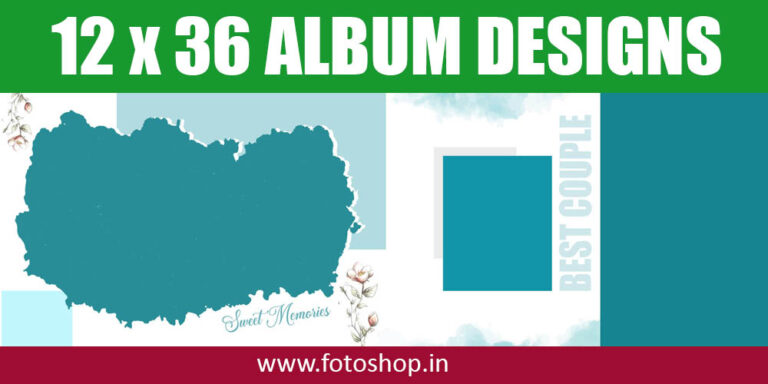
Forget the smaller, more restrictive formats. The 12×36-inch (or 12×18 folded) panoramic spread is the modern gold standard for high-end wedding albums. Why?
- The Cinematic View: This size allows you to treat the album spread as a widescreen movie frame. You can feature a single, breathtaking hero shot—like the first kiss or a dramatic landscape portrait—across the entire spread without a distracting center cut.
- Narrative Flow: The expansive space facilitates a more natural, flowing progression of the day. You can group moments (e.g., “Getting Ready,” “The Ceremony Entrance,” “The First Dance”) on one spread, guiding the viewer through the story with purpose.
- Luxurious Feel: A large, flush-mount album in this format simply feels expensive and substantial. It communicates premium quality to your clients, justifying higher-tier package prices.
The Power of the PSD Template
While the 12×36 format is powerful, designing it from scratch is a time sink. This is where professional PSD templates become your secret weapon. They are not just pre-made layouts; they are carefully structured design foundations built by experts.
What a Quality 12×36 PSD Template Offers:
- Impeccable Layer Structure: Templates come with logically named and grouped layers for photos, background textures, text boxes, and overlays. This means less searching and more designing.
- Built-in Design Principles: The layouts adhere to established design principles like the rule of thirds, proper negative space, and visual balance. You insert your photos into clipping masks, and the sophisticated design is instantly applied.
- Color and Font Flexibility: Easily change the color palette (e.g., from rustic pastels to moody greens) and typography across the entire template set with a few simple clicks, ensuring the design perfectly matches the wedding’s aesthetic.
- Save the Date (and Your Sanity): Time is money. A template can slash the design time for a 30-spread album from 15 hours down to 3 or 4. This efficiency allows you to take on more clients or, better yet, spend more time on creative shooting and less on administrative tasks.
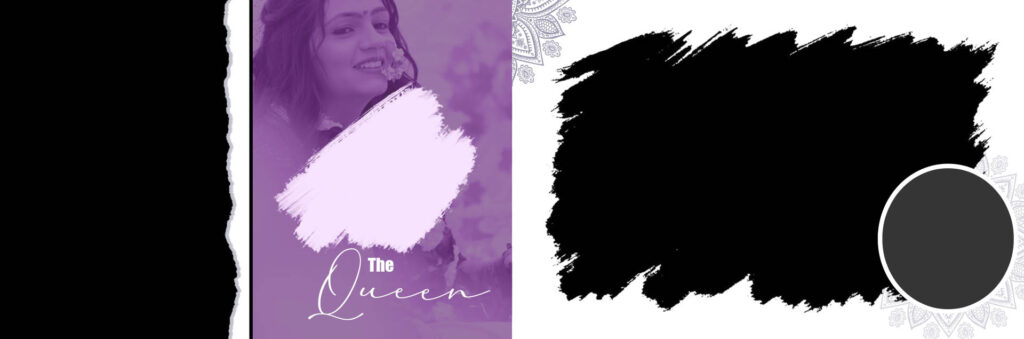
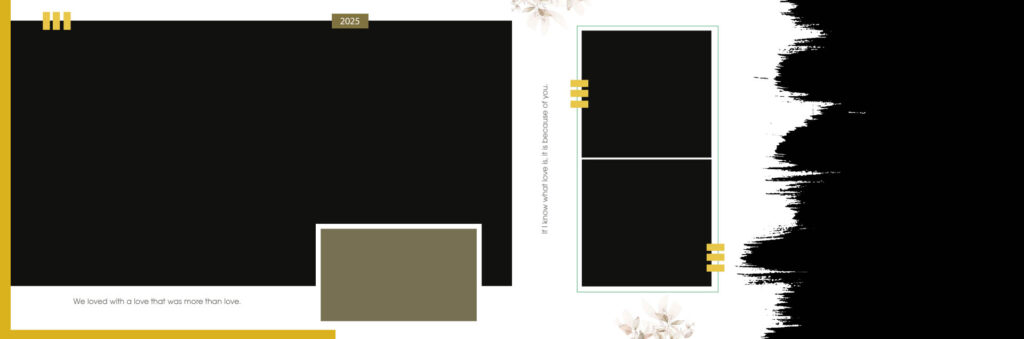
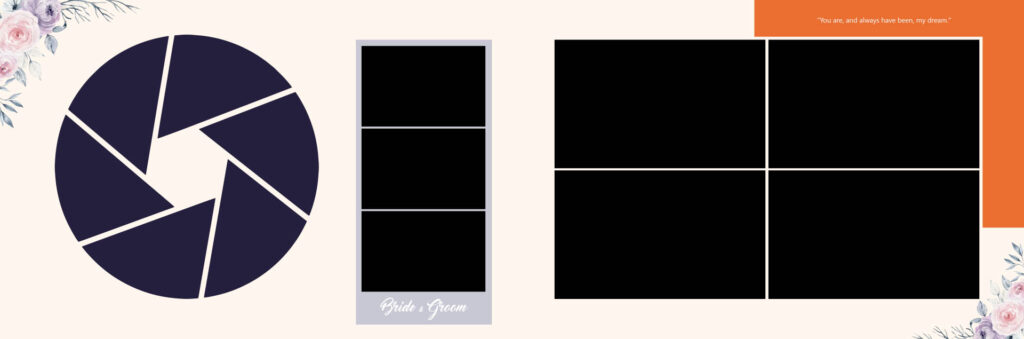
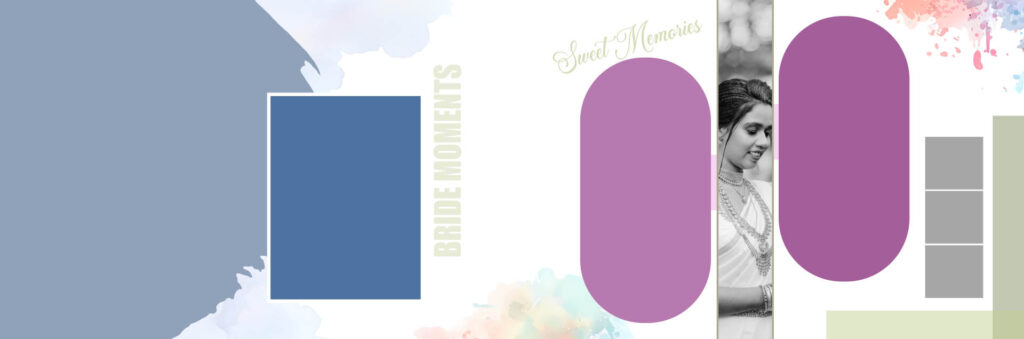
Screenshots of Royal 2026 Wedding Album Templates 12×36 PSD Designs -06

Crafting a Unique Album Narrative
A template is a starting point, not the end result. To truly utilize the 12×36 format, think like an editor and a curator.
The Rule of Three in Design:
When designing any spread, aim for a visual balance using these three components:
- The Anchor Photo: A single, high-impact image that commands attention. This should be the best photo from the sequence.
- The Supporting Cluster: 2-3 smaller images that provide context and detail (e.g., close-ups of the rings, flowers, or emotional reactions).
- The Breathing Room: Ample negative space to prevent the spread from looking cluttered. Let the photos and design elements breathe.
Use your 12×36 templates to implement this rule seamlessly. Dedicate one spread for a full-bleed anchor shot (Component 1) and the next spread for a collage featuring the supporting cluster (Component 2 & 3).
Investing in Quality Templates
Not all templates are created equal. When choosing a set, look for:
- High Resolution: Must be 300 DPI for professional printing.
- Layered Flexibility: Ensure the elements (like borders, text, and overlays) are on separate layers and can be moved or deleted.
- Spine Guide: A marked area for the spine’s gutter to ensure no critical part of an image falls into the album’s fold.
The 12×36 wedding album PSD template is more than just a shortcut; it’s a tool that empowers you to transition from being a photographer who delivers images to a storyteller who curates an enduring legacy. Stop designing from a blank canvas and start building masterpieces today.

Why 12×36 is the Gold Standard for Wedding Album Design
In the world of wedding photography, trends come and go, but one format has remained the undisputed king for over a decade: the 12×36-inch spread. If you’ve recently flipped through a professional wedding album, you were likely looking at this specific panoramic layout.
But what makes this specific dimension so iconic? Let’s dive into why the 12×36 format is the gold standard for capturing your “happily ever after.”
Why is 12×36 so special in wedding album photos?
The magic of 12×36 lies in its cinematic perspective. When an album is closed, it usually measures 12×18 inches. The “magic” occurs when you open it, though. The seamless gutter allows for a continuous 36-inch-wide canvas that mimics the aspect ratio of a movie screen.
- The Panoramic Punch: Weddings are grand events. Whether it’s a wide shot of a cathedral, a sprawling outdoor garden, or a massive family portrait with fifty cousins, the 12×36 format provides the physical real estate to showcase these images without cropping out the atmosphere.
- Storytelling Flow: Unlike smaller, square formats, the 12×36 spread acts as a storyboard. It allows a photographer to place a “hero” image on one side while using the remaining space to display supporting details—like the rings, the bouquet, or a tearful glance—creating a complete narrative on a single page.
Why does everyone love this 12×36 album?
Couples and families gravitate toward the 12×36 because it feels substantial and premium. It isn’t just a book; it’s a coffee-table centerpiece.
- Immersive Experience: Looking at a 12×36 print is an immersive experience. Because the page fills your entire field of vision, it pulls you back into the moment. You aren’t just looking at a photo; you’re revisiting the emotion.
- Versatility in Printing: Most high-end labs prioritize this size, offering a variety of paper finishes—from silk and velvet to high-gloss metallic. The “Lay-Flat” binding technology used in these albums ensures that no part of the photo is lost in the center fold, which is a huge crowd-pleaser.
- The “Wow” Factor: There is an undeniable psychological impact when you turn a page and see a three-foot-wide image of your first kiss. It commands attention in a way that digital screens simply cannot replicate.
Why do Photoshop album designers love to design these album pages?
If you ask any professional album designer which size they prefer, 12×36 is almost always the answer. For a designer, this format is the ultimate playground.
1. Creative Freedom
The 3:1 aspect ratio offers incredible balance. Designers can use the Rule of Thirds effectively, leaving “white space” for a clean, modern look, or filling the spread with a collage that doesn’t feel cluttered.
2. Grid Alignment
Photoshop designers love the mathematical symmetry of 12×36. It can be easily divided into three 12×12 squares or two 12×18 sections. This makes it simple to align images perfectly, ensuring the layout looks organized and professional rather than chaotic.
3. High-Resolution Mastery
Working on a 12×36 canvas at 300 DPI (dots per inch) allows designers to see every detail. It gives them the room to play with typography, add subtle gradients, or use feathered edges to blend multiple photos into a single artistic dreamscape. In Photoshop, this canvas size is the perfect “Goldilocks” zone—large enough for detail but standard enough for efficient workflow.
Frequently Asked Questions
Who are these templates for? They are primarily used by:
- Professional wedding photographers looking to save time on album design.
- Graphic designers who offer album design services.
- Couples/enthusiasts with basic to intermediate knowledge of Adobe Photoshop who want to design their own album.
- What software is required to use these templates? You need Adobe Photoshop (typically CS or newer versions are compatible) to open, edit, and save the PSD files.
Template Features & Editing
- Are the templates fully customizable? Yes, they are generally fully layered and customizable. You can:
- Drag and drop your own photos into the designated photo masks/frames.
- Change the background colors, textures, or patterns.
- Adjust the size, color, and font of any text elements.
- Move, resize, or delete design elements like borders, overlays, and clip art